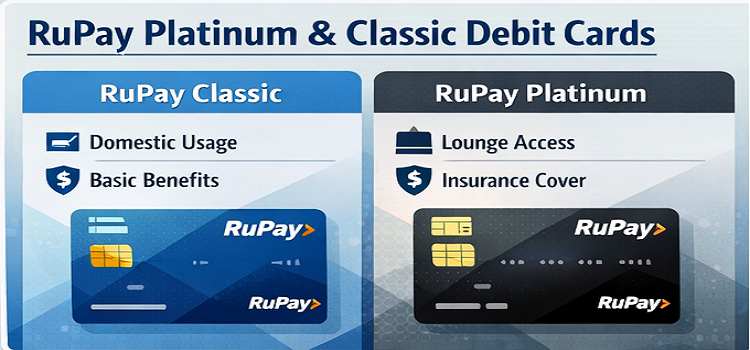
RUPAY EMV CONTACTLESS DEBIT CARD
The RuPay ATM card can be used at any RuPay enabled ATMs in India. Use your RuPay contactless ATM/Debit Card for withdrawal/POS/E-com transactions. Our RuPay card holders can access his/her KCTB accounts all over India.
By banking at the ATM Service, you save on time spent traveling to the branch or waiting for a teller. At the ATM Service, you don’t need to worry about reaching before closing time and banking on holidays. Services are available 24X7 and 365days.
Fees*
|
Annual Fee
|
Rs. 118/-
|
|
PIN Replacement Charges
|
Rs. 30/-
|
|
Card Replacement Fee
|
Rs. 200/-
|
Daily Usage Limits
|
Cash Withdrawal Transaction Limit at ATM
|
Rs. 30,000
|
|
Purchase Transaction Limit at Merchant Establishment**
|
Rs. 50,000
|
* GST extra. ** When enabled.
Do's to safeguard your ATM Debit Card
- Conduct your ATM transactions in complete privacy, never let anyone see you entering your Personal Identification Number (ATM Password / PIN)
- After completion of transaction ensure that welcome screen is displayed on ATM screen.
- Store the ATM-cum-debit card carefully in a secure place so that the magnetic stripe does not get damaged.
- Beware of suspicious movements of people around the ATM or strangers trying to engage you in conversation
- Look for extra devices attached to the ATMs card reader that looks suspicious
- Beware of shoulder surfing. Shield your PIN from onlookers. Once you complete your transaction, ensure that you have your card and your receipt and then leave.
- Avoid such ATMs, which shows some misbehavior or certain keys of keypad are not working properly.
- Bank will not fix camera in such an angle that PIN number could be captured, in case if you find, then don’t use the ATM and kindly report it to the branch.
- If you want to cancel the transaction at any point of time, use the Cancel button in the ATM Terminal and before leaving the ATM centre ensure that ‘Welcome Screen’ is displayed in the Screen.
- Ensure that the card is used in your presence at POS (Point of Sale) and mandatory PIN is being entered in POS machine by yourself.
Dont's to safeguard your ATM Debit Card
- Never lend your card or reveal your PIN to
- Please do not share your ATM / Debit Card PIN or any other information related to your ATM / Debit Card to anyone, also do not write such information anywhere on your card or on any document
- Do not disclose your PIN to anyone, including bank employees and family
- Do not handover your ATM / Debit Card, or disclose your PIN to any third party or any person under any circumstances.
- Do not allow the card to be taken out of your sight in a merchant location for POS (Point Of Sale) transaction.
- Don’t allow merchant to swipe the card in your absence, card should be swiped at your presence on the counter.
- Do not take help from strangers or handover your card to anyone for using
- Do not use your mobile while using the ATM to avoid distraction
- Never use a PIN that could be easily guessed, g. your birthday or telephone number.
- Do not get distracted in any way while using the ATM / Debit
- Do not disclose your OTP, which is sent by the Bank on your registered Mobile Number, to any one on telephones / mails.
- Never perform online transactions using your ATM / Debit card from Cyber cafés and other public computers as there is a greater chance of your credentials being compromised. Hence, always access from your personal computer(s), In case if you have to transact from a public computer, then ensure that your ATM / Debit card PIN are changed immediately from a secure computer system.
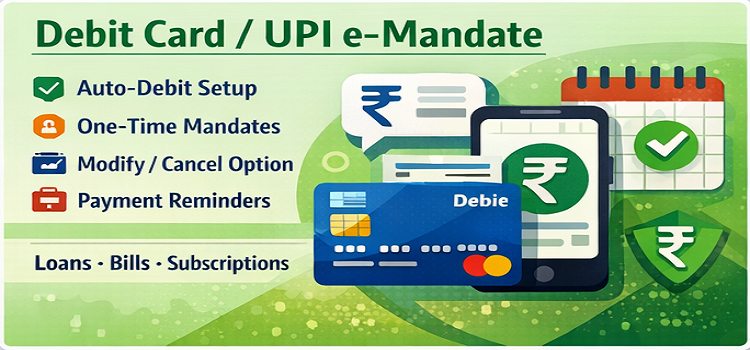
Debit Card e-Mandate (eMandate)
KCTB provides the Debit Card e-Mandate facility, a secure and convenient way to authorize recurring or one-time payments directly from your bank account using your debit card.
With this facility, you can automate payments for bills, subscriptions, EMIs, insurance premiums, and other services without the need for cheques or physical forms.
Key Features
- Automated Payments: Authorize recurring payments such as utilities, insurance, EMIs, and subscriptions
- Secure Authorization: Use your debit card and PIN to safely approve payments
- Paperless & Instant: No need for physical mandates; instant confirmation of authorization
- Flexible Control: Easily modify, pause, or cancel mandates anytime through mobile or branch channels
Benefits
- Ensures timely and hassle-free payments
- Eliminates the risk of missed deadlines or late fees
- Fully digital, safe, and convenient
- Ideal for both personal and recurring business payments
How It Works
- Choose the biller or service provider for whom you want to set up a debit card e-mandate.
- Enter your debit card details and authorize the mandate
- The amount is automatically debited on the scheduled date from your
- Receive instant confirmation and transaction alerts via SMS or
Why Use KCTB Debit Card e-Mandate?
- Automates routine payments for convenience
- Reduces paperwork and manual effort
- Provides a secure, reliable, and transparent digital payment solution
UPI e-Mandate
KCTB offers UPI e-Mandate, a modern and secure way to automate payments directly from your bank account using the Unified Payments Interface (UPI). With UPI e-Mandate, you can authorize recurring payments for bills, subscriptions, EMIs, and other services digitally—without any cheques or physical forms
Key Features
- Automated Recurring Payments: Set up payments for utilities, insurance, EMIs, subscriptions, and more
- Secure Authorization: Transactions are authorized with your UPI PIN, ensuring safety and confidentiality
- Paperless & Instant: No paperwork required; confirmation is immediate
- Flexible Control: Modify, pause, or cancel e-mandates anytime via mobile banking
Benefits
- Hassle-Free Payments: Automatically pays bills on time, avoiding late fees
- Fully Digital: No need to visit branches or submit forms
- Transparent & Secure: Every transaction is authorized and recorded digitally
- Convenient: Suitable for personal and business recurring payments
How It Works
- Select the biller or service provider in your mobile banking app or UPI
- Authorize the mandate using your UPI ID and PIN.
- The amount is automatically debited from your account on the scheduled
- Receive instant confirmation and alerts for every
Why Choose KCTB UPI e-Mandate?
- Simplifies recurring payments for convenience and reliability
- Ensures timely payments without manual intervention
- Safe, secure, and completely digital
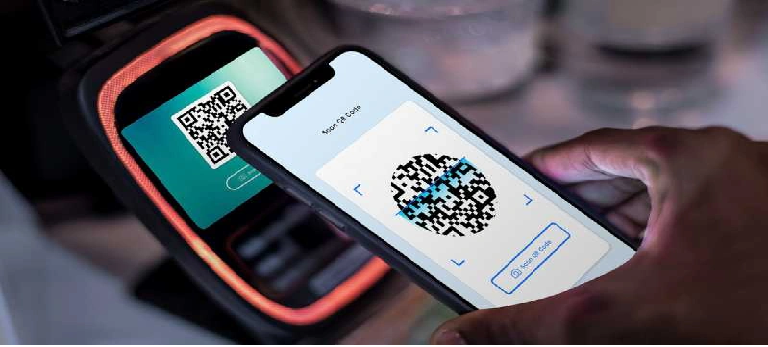
UPI / BHIM
Make payments in a simple, quick, and convenient way using VPA/UPI ID or Scan & Pay option.
- Make payments to anyone without sharing bank account details or use virtual address to transact.
- Collect money option allows sending requests for desired amounts to other users.
Features
- Daily Limit: Up to ₹1,00,000
- Easy Setup: Instant transfer at no cost
- App Permissions: Approve, decline, or defer collection transactions from payee
- User Convenience: Link, de-link, or change bank account anytime
- Availability: 24x7 / 365 days
Note: A limit of ₹5,000 is applicable for the first 24 hours after registering for UPI.
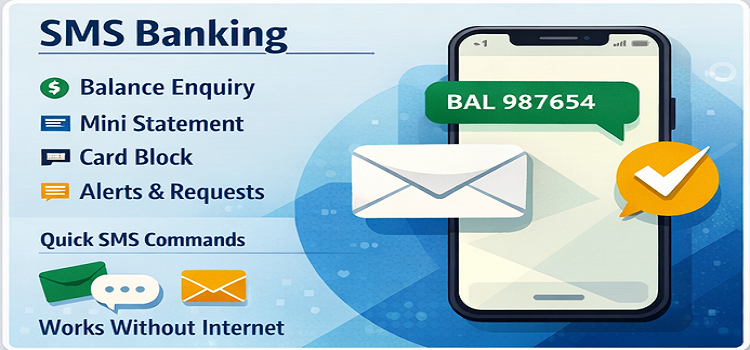
SMS BANKING
Mobile phones have moved beyond their fundamental role of communication and become a very important medium in the banking industry.
Keeping pace with modern banking technology, we have started SMS Banking to help customers get day-to-day transactional messages.
Alerts Provided
- Debit/Credit Transactions Alerts
- ATM Transactions Alerts
- New Schemes launched by the Bank
- Term Deposit Maturity Intimation
- Awareness Alerts
Features
- Transactions Alert: All types of transaction alerts received
- Interest Credit Alert: Interest credited in your account
- Locker Rent Alert: Locker rent due alert
- D P Expired Alert: Deposit expired intimation
MOBILE BANKING SERVICES
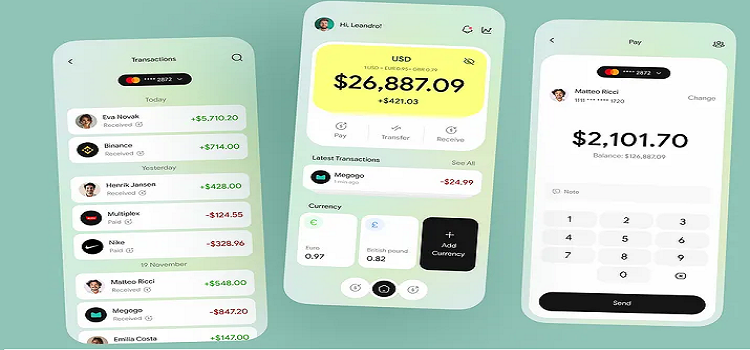
KCTB’s Mobile Banking Facility allows you to access your bank account anytime, anywhere, directly from your smartphone. Manage your finances and perform banking transactions securely and conveniently without visiting a branch.
Key Features
- Account Access: Check your account balance and view mini statements instantly
Fund Transfers:
- NEFT (National Electronic Funds Transfer): Transfer funds securely to any bank account in India
- IMPS (Immediate Payment Service): Instant 24x7 fund transfers to any bank account
- Alerts & Notifications: Receive real-time SMS and app notifications for all transactions
Benefits
- 24x7 Banking: Perform banking transactions anytime, anywhere
- Instant Transfers: NEFT and IMPS ensure your money reaches the beneficiary quickly
- Secure & Reliable: Transactions protected with multiple layers of authentication
- Convenient & Paperless: Complete banking digitally without visiting the branch
- Time-Saving: Monitor your account and transfer funds instantly
How to Get Started
- Download the KCTB Mobile Banking app from your app (GIVE LINK)
- Register using your account number and registered mobile number.
- Set your MPIN for secure
- Start transferring funds and managing your account anytime!
Why Choose KCTB Mobile Banking?
- Safe, convenient, and fast banking on the go
- Access essential services like NEFT and IMPS transfers anytime
- Ideal for personal and business account management
NACH (National Automated Clearing House)
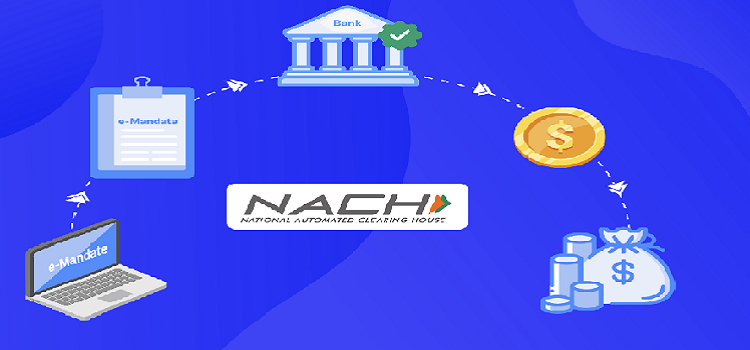
The National Automated Clearing House (NACH), operated by the National Payments Corporation of India (NPCI), is a centralized electronic platform for bulk fund transfers. It simplifies recurring payments and collections, making transactions fast and secure.
Use Cases
- Salary disbursements
- Pension payments
- Subsidies and government schemes
- Loan repayments and recurring collections
ACH Credit
ACH Credit is used to transfer funds from a sponsor (payer) to a beneficiary (receiver).
Key Highlights
- Bulk transfers like salaries, dividends, or subsidies
- Direct credit to the beneficiary’s account
- Fast, safe, and paperless processing
ACH Debit
ACH Debit allows organizations to collect payments from multiple beneficiaries with prior authorization.
Key Highlights
- Automatic deductions for loan EMIs, insurance premiums, utility bills, and subscriptions
- Reduces manual cash or cheque collection
- Ensures timely payments
APBPS – Aadhaar Payment Bridge System
The Aadhaar Payment Bridge System (APBPS) uses your Aadhaar number
as a unique identifier to transfer funds directly into your bank account.
Benefits
- Direct credit of government subsidies and welfare schemes
- Reduces errors in beneficiary identification
- Fast, secure, and transparent transfers
DBTL – Direct Benefit Transfer for LPG
DBTL ensures that LPG subsidies are credited directly to the consumer’s
bank account, eliminating delays and intermediaries.
Key Highlights
- Subsidy credited automatically for eligible LPG consumers
- Reduces leakage and ensures transparency
- Linked with your Aadhaar and bank account for secure transfer
- Simplifies subsidy management for households
Benefits of Electronic Fund Transfers
- Secure, fast, and paperless transactions
- Reduces manual effort and errors
- Enables bulk and recurring payments efficiently
- Ensures timely credit or debit for customers and organizations
ATM CARD REQUEST / LOCK / BLOCK SERVICES
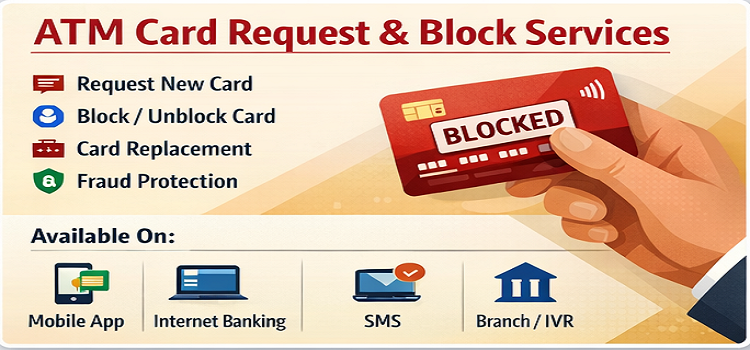
KCTB offers secure and convenient ATM card services to help you manage your debit card anytime. You can request a new card, temporarily lock it, or block it permanently in case of loss or theft.
Services Available
Request a New ATM Card:
Apply for a new KCTB RuPay Debit Card at any branch.
Temporary Lock / Unlock:
If you misplace your card or suspect unauthorized use, you can
temporarily lock it and unlock it once you find it.
Permanent Block:
If your card is lost, stolen, or compromised, you can block it permanently to prevent misuse. A replacement card can be issued immediately at the branch.
PIN Management:
Change your ATM card PIN at any branch or through our customer service for added security.
How to Access ATM Card Services
- By Phone: Call our Customer Care at _91 8008577187
- By Email: Write to us at info@kakinadatownbank.com
- In Person: Visit your nearest KCTB branch to request, lock, or block your card
Our team will assist you immediately to ensure your ATM card is secure.